

Getting Started

Label Design 101
Explore the essentials of creating labels for your beauty products, from choosing a design approach to understanding label requirements and preparing artwork for print. Label Design 101 offers practical guides, design tips, and helpful resources to create labels that reflect your brand and meet production requirements.



Requirements + Compliance
Label Guidelines
Everything you need to know to create readable, compliant, & print-ready labels.

Designing For Print
Creating Labels That Print Well
Consider type, color, spacing, and other elements to ensure your labels print clearly.


More label design questions?
Do I need graphic design experience to create my label?
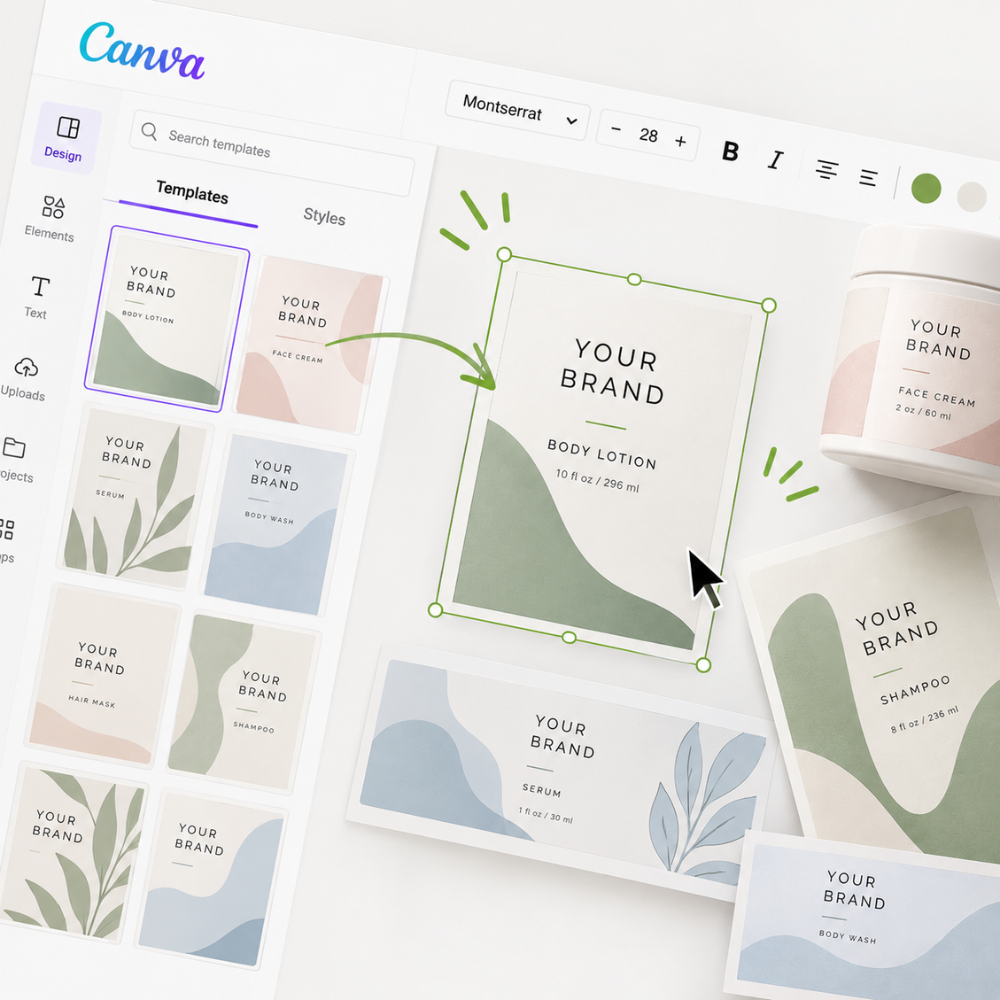
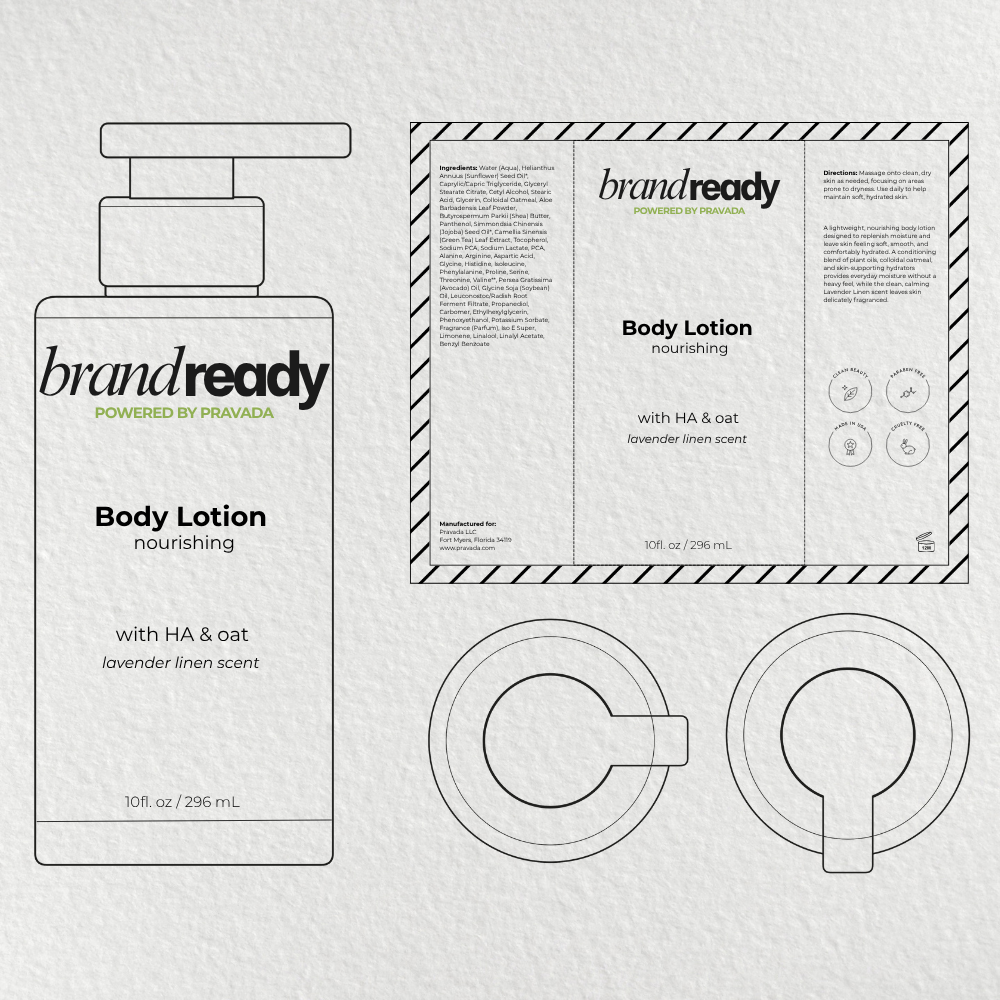
Depending on your desired design path, no. Quick Design and our Canva templates are designed to help you create labels without professional graphic design experience. Designing from our dielines, however, requires advanced graphic design skills and a strong understanding og print production. This option is intended for experienced designers who are comfortable working with exact dimensions, bleed, safe areas, color profiles, and print-ready file preparation.
Which label design option is right for me?
It depends on how much design experience you have and how much creative control you want. Quick Design is ideal for straightforward designs, Canva Templates offer more flexibility with a pre-designed starting point, and dielines are best for experienced graphic designers.
Not sure where to start? Take our Label Design Quiz to find your recommended design path.
Can I design my own label in Canva without purchasing a template?
Yes! Our downloadable dielines are free and can be imported into Canva, allowing you to create your own label from scratch without purchasing one of our pre-designed templates.
Our Canva Template Packs offer the added benefit of layouts created and checked for print-readiness by experienced graphic designers specializing in cosmetic labels and packaging.
If you choose to design from scratch, be sure to follow our Label Requirements & Guidelines and review the Print Checklist before submitting your artwork.
Canva Pro is still required to export your finished artwork as a print-ready PDF with bleed and CMYK color.
Can I use my own logos, colors, and fonts?
Yes. Your label can reflect your brand's visual identity, including your logo, typography, colors, product naming, and graphics. The customization options available will depend on which design path you choose.
Do you offer graphic design services?
No. BrandReady does not provide custom graphic design services. However, we offer Quick Design, customizable Canva Templates, and downloadable dielines to help you create your own artwork.
What information is required on my label?
Your label must require the appropriate product identity, net contents, ingredient list, direction, company information, and any required warnings. Certain information must appear on the principal display panel, while other information can appear elsewhere on the label.
Read our Required Information guide for additional details.
Our Principle Display Panel is also available to walk you through proper placement.
Can I change the product name or description?
Yes. You should create your own product name that reflects your brand. You can also customize product descriptions and adapt directions to your brand voice, provided the core usage instructions remain unchanged. Required information, such as the ingredient list and warnings, must remain accurate.
Will my printed label look exactly like it does on my screen?
Not necessarily. Screens and printers reproduce colors differently, so some variation is normal. All BrandReady labels are printed on standard gloss material. We do not offer custom color matching or Pantone matching.
Who prints and applies my labels?
We do. Once your artwork is submitted and approved, BrandReady handles label printing and application in-house. You do not need to source or apply labels separately.
